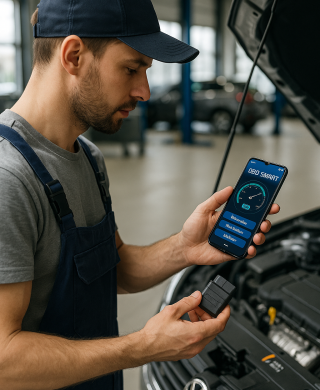
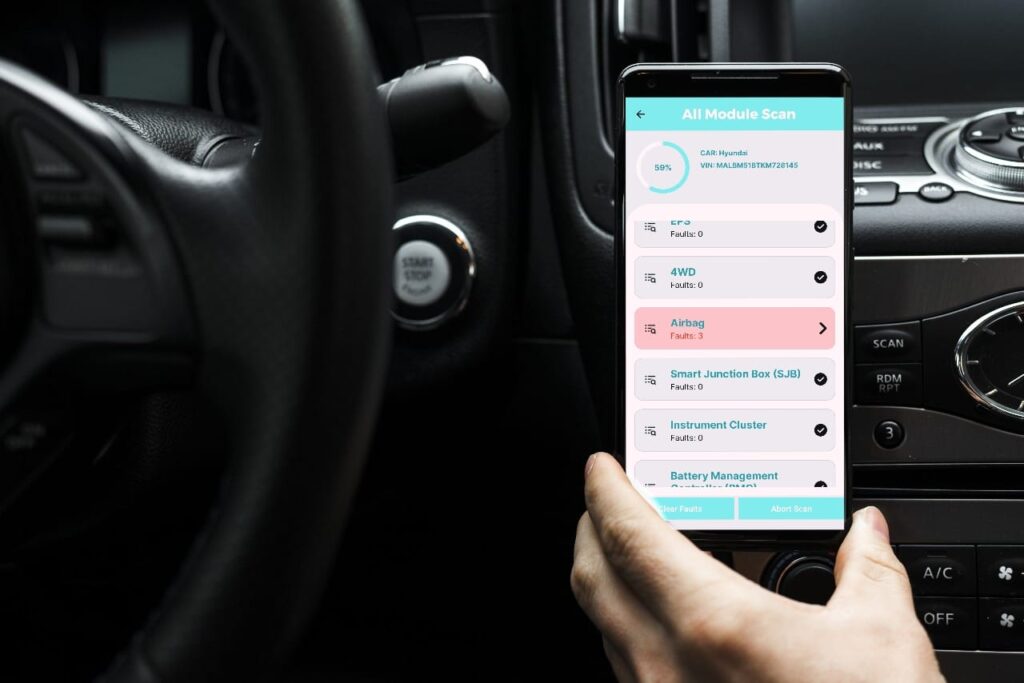
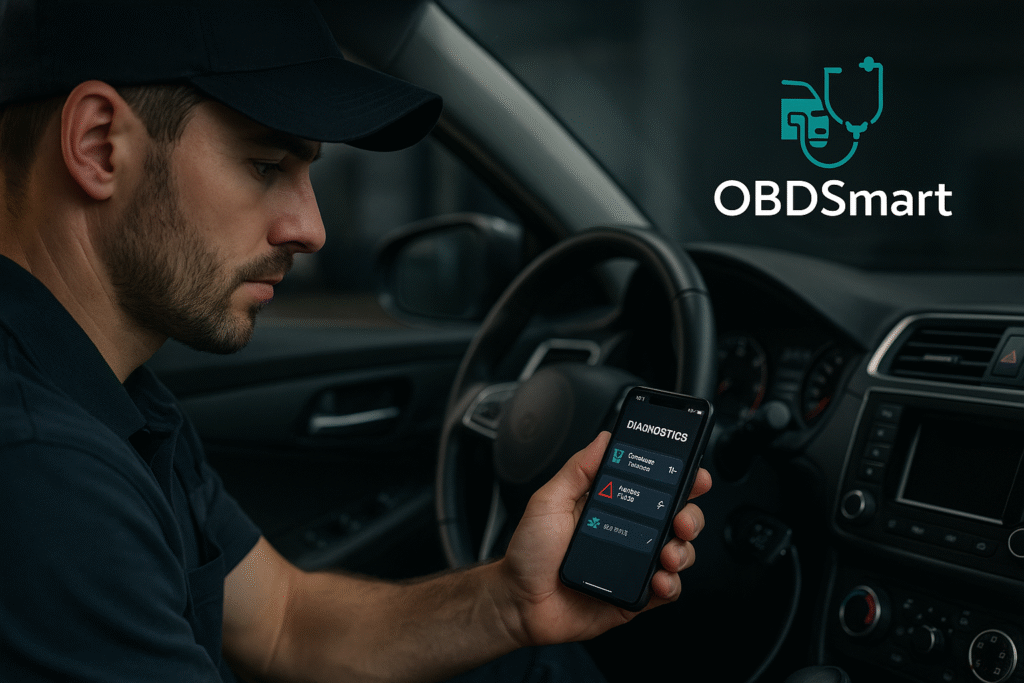
Drive Smarter. Diagnose Faster. OBDSmart : All-in-One Vehicle Diagnostic App An Advanced Diagnostics tool with coverage across all Brands across the Globe Download Now Features All Vehicle Supported Cars, bikes and commercial vehicles. Multi-Make Coverage Works for almost all vehicle brands across the Globe. Advanced Fault Diagnostics Reads OEM Specific error codes with Detailed descriptions. Repair Insights Understand faults & possible fixes. Live Vehicle Data Monitor RPM, temperature, speed, fuel efficiency, and more in real time. Service Functions Wide range of Service Functions like Oil/Service Reset, Steering calibration, Brake Bleeding and maintenance How OBD Smart App Works Step 1: Download the OBD Smart App Download the app from google play store in android phone. Step 2 - Plug in Your OBD Device Insert the Bluetooth/WiFi OBD-II adapter into your vehicle’s diagnostic port. Step 3 - Connect to OBD Smart App Pair the adapter with the app on your phone or tablet. Step 4 - Get Instant Diagnostics View faults, performance stats, and repair tips instantly. Image Gallery Download Our App Now Stay ahead of vehicle problems. Keep your car, bike, or truck road-ready at all times. OBD Smart Smart Diagnostics for Your Vehicle !